On your phoneThe photoOn the wayCiphertextNAS or CloudStill ciphertext
2Your storage
Stored where you chose.
Your NAS, Ownframe Cloud, or both. Every place holds the same thing: encrypted originals and encrypted results, never a key. Deleted items stay recoverable for 30 days.
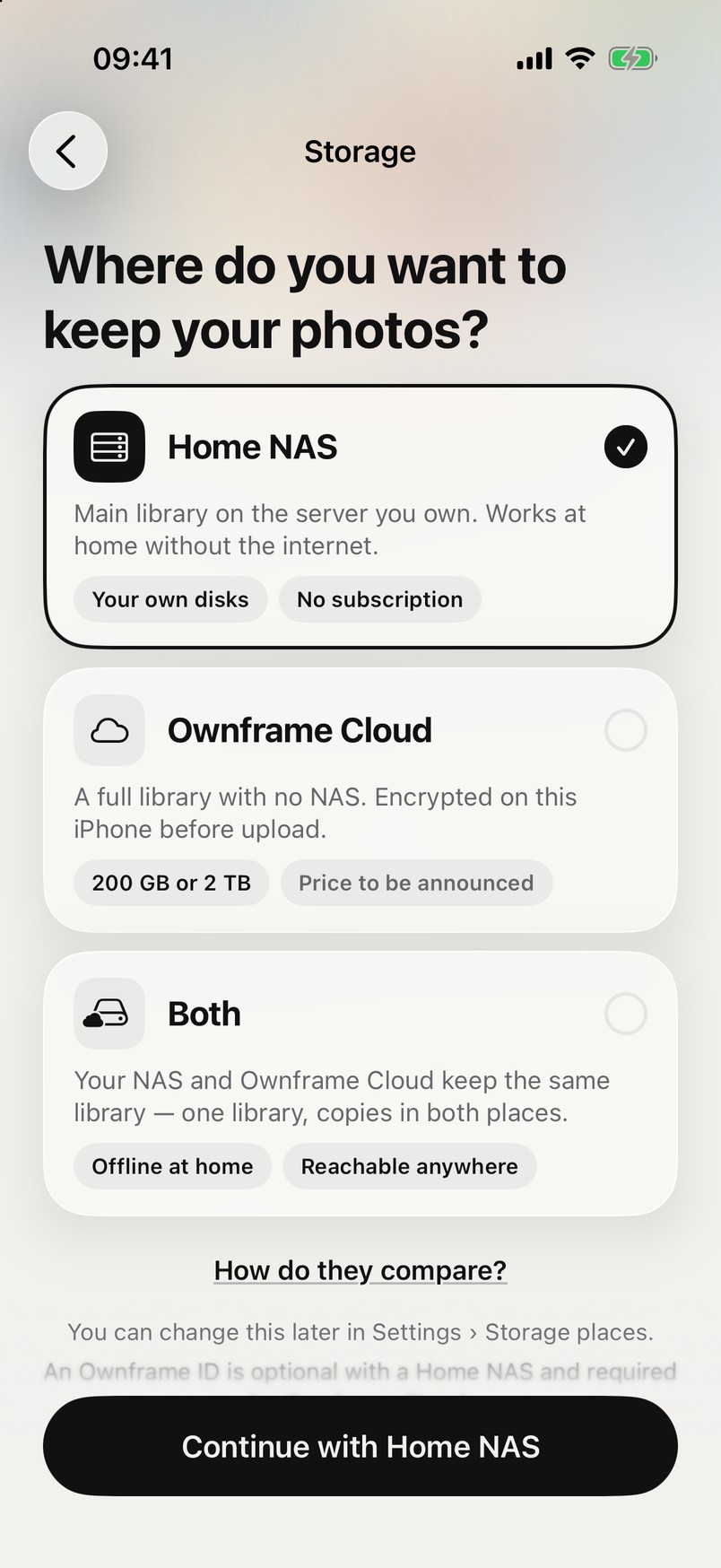
One question on the first runChange it later in Settings
Synology DSM 7QNAPDockerOwnframe Cloud
3Opened where you are
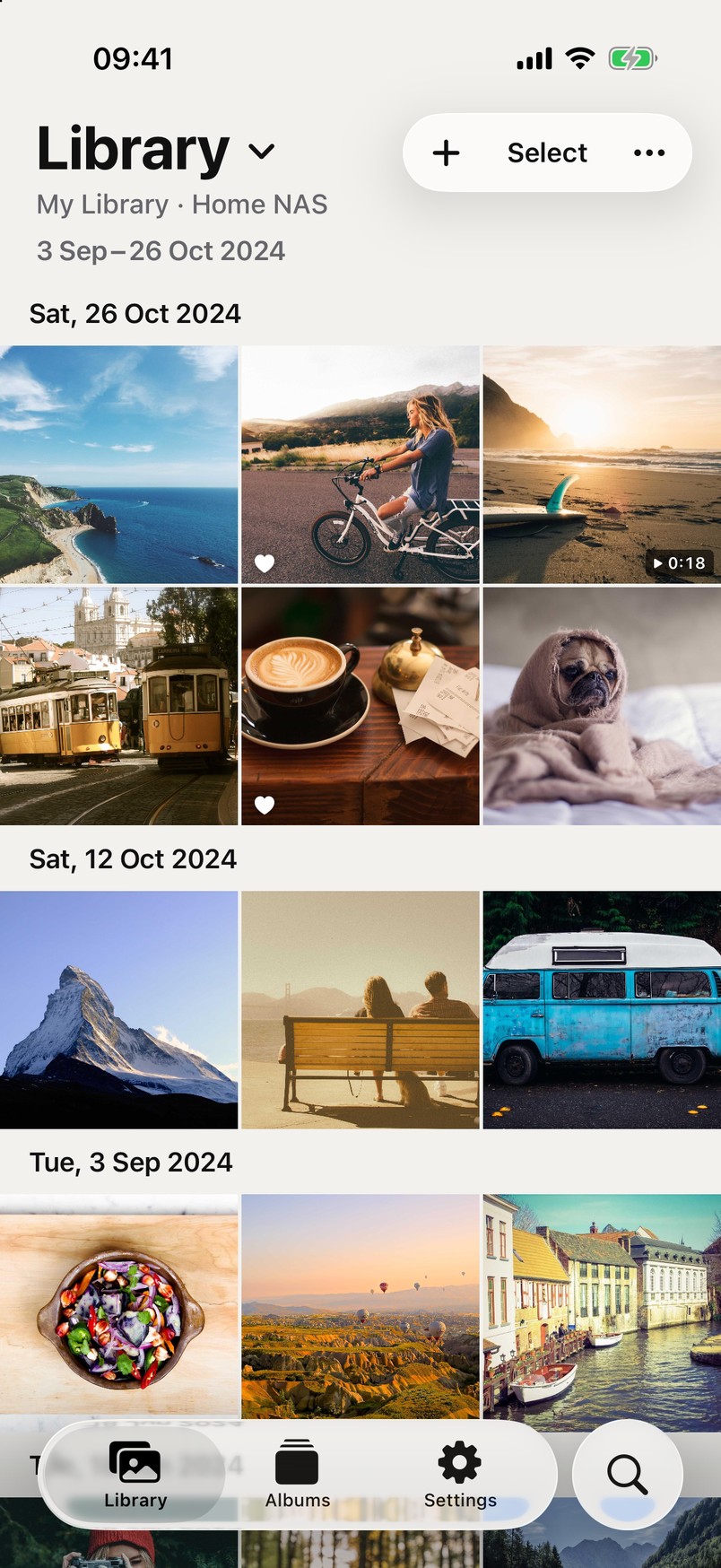
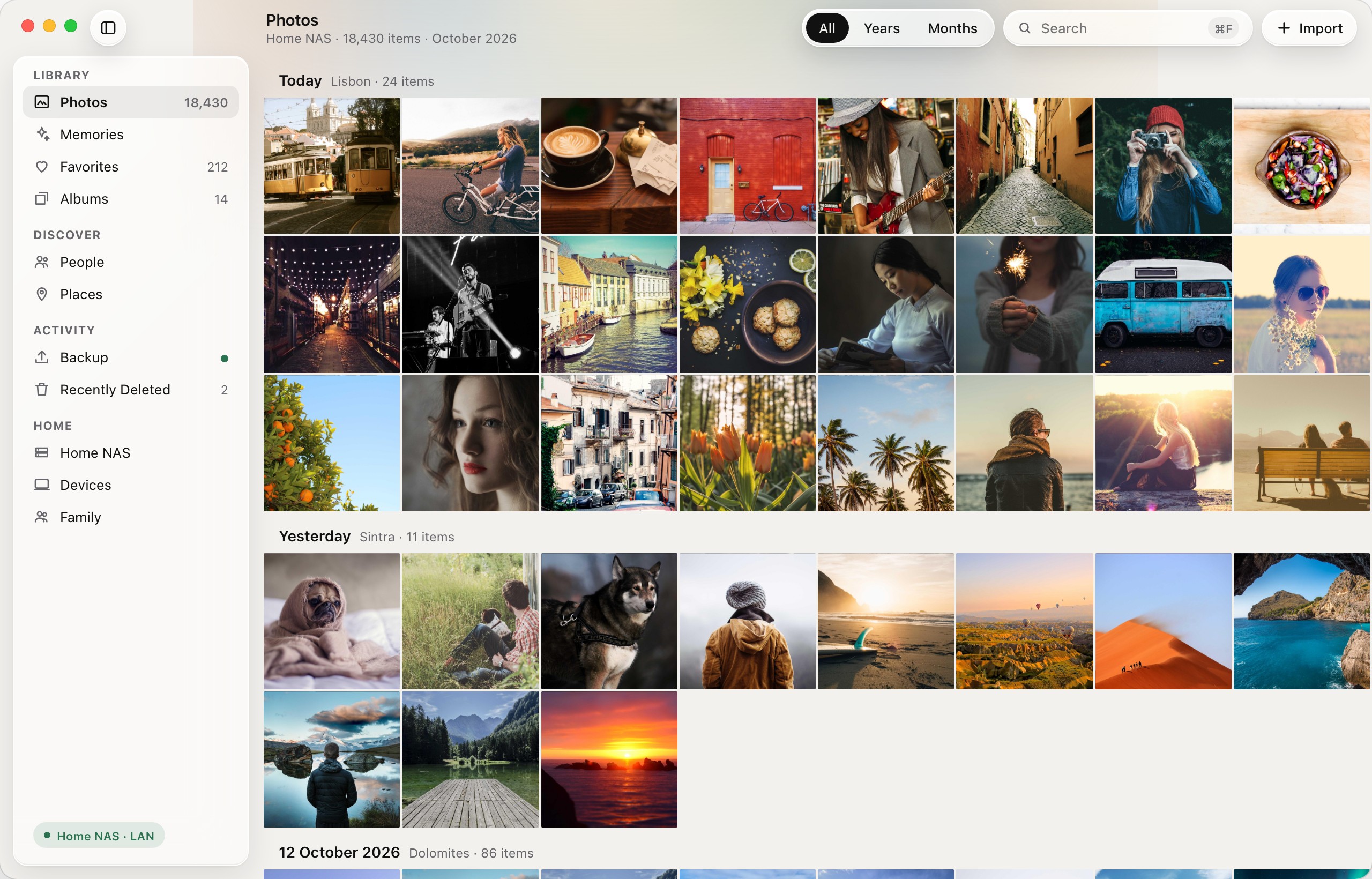
The same library on every device you trust.
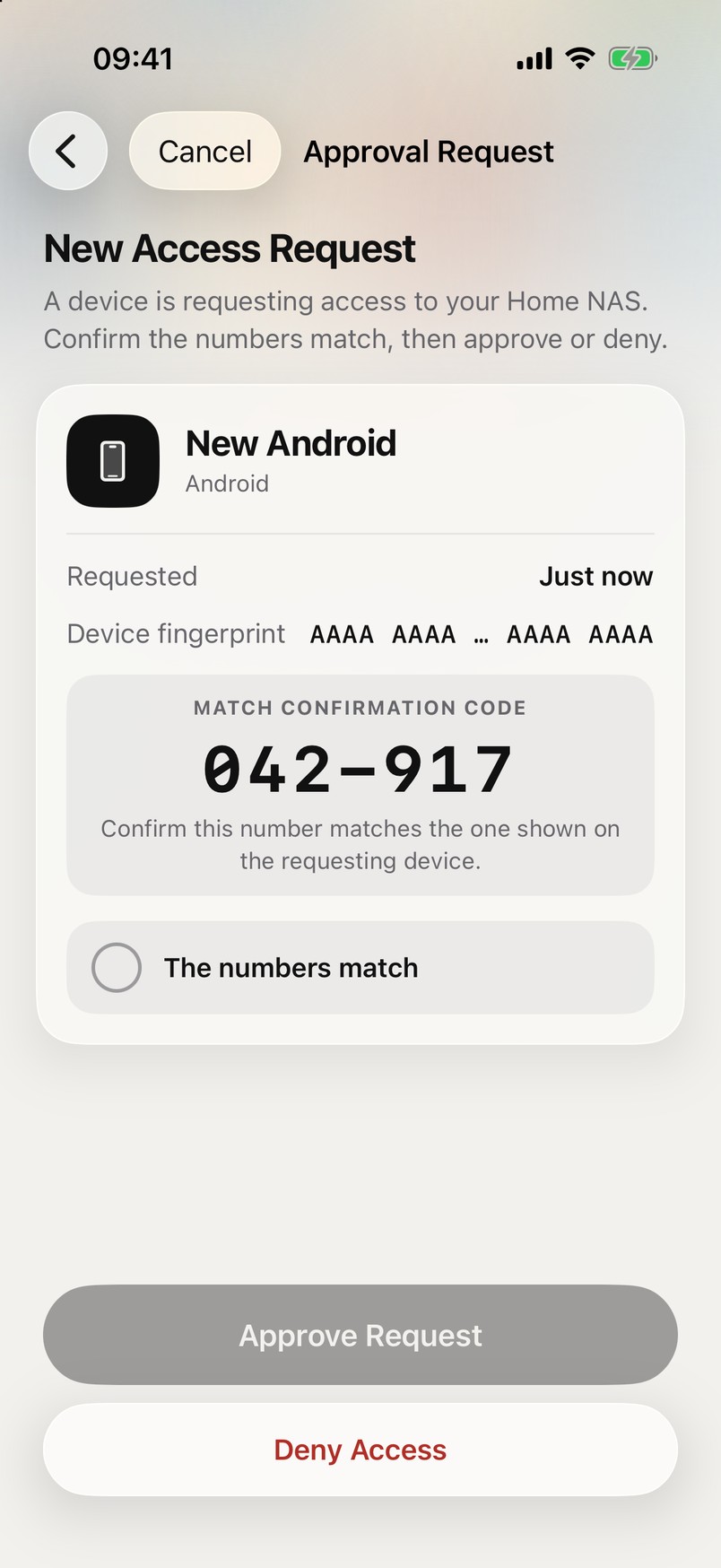
A new device is approved by one you already trust. Not by signing in, and not by support.
Six digits to compareDeny is the default
4Away from home
Outside your network, nothing changes.
A trusted phone reaches the NAS through an outbound relay. The relay carries bytes, never keys. It is the same private library, not a public gallery. A Cloud library is reachable anywhere by design.
Trusted phoneAway from home
Ownframe relayBytes, never keys
Home NASOpens outbound only
The same private library, away from home
Where it lives
Start with one place. Add the other later.
Ownframe asks one question on the first run: where do you want to keep your photos?
Home NAS
Your main library on a server you own: Synology, QNAP or Docker. Works on the local network and through a relay when you are away.
Included in Core
Ownframe Cloud
A full library with no NAS. Encrypted on your devices before upload, and Ownframe never holds the keys. 10 GB free.
Free during early access
Both
One library with copies in both places. Start with one and add the second place later from Settings.
NAS plus Cloud
Recovery Kit
Lose every device. Keep the library.
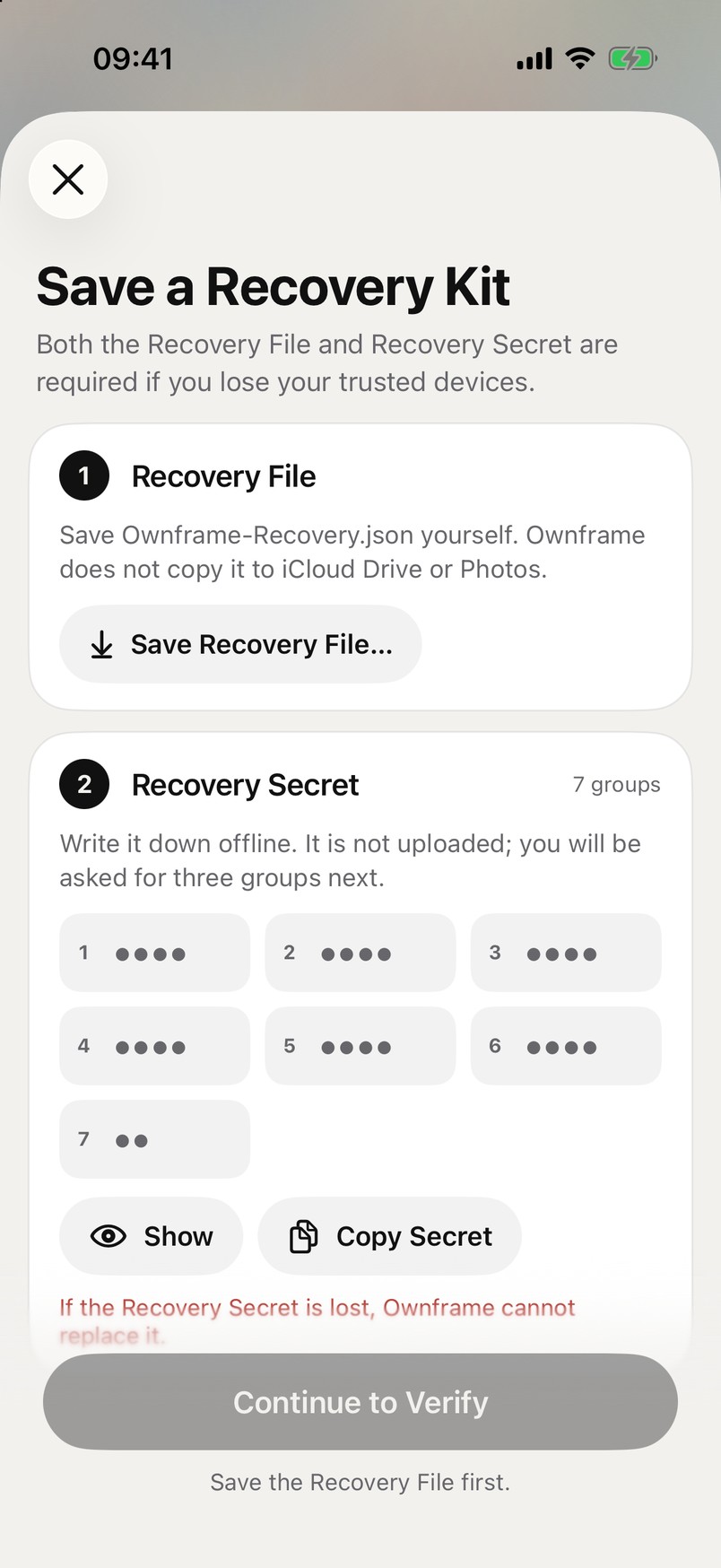
A Recovery File plus a Recovery Secret can rebuild your library key without any device. Ownframe keeps no copy, and has no reset button.
Keep them apartThe file in one place, the secret in another.
Verified before the first uploadYou re-enter three groups of the secret, so the kit is known to work.
The short answers
Do I need a NAS?
No. Choose Ownframe Cloud and you get a full library with no home server: the same encryption, the same analysis on your devices, the same trusted-device approval. You can add a Home NAS later, and it joins the same library rather than starting a second one.
Is the NAS or Cloud copy a backup?
Yes. Backup is the name of that copy in the app. It keeps your originals in a second place, and deleted items stay recoverable for 30 days before they are gone. Your devices keep the keys, so the copy is readable only by them.
Can you reset my photos if I lose everything?
No. If every trusted device and the Recovery Kit are gone, the ciphertext on your NAS or in Cloud is unrecoverable by design. We never receive the master key.
Can the NAS admin browse thumbnails?
No. The admin panel is operations only: counts, devices, health, invites. There is no decrypted gallery. Only while you allow a processing task does the NAS see the photos that task needs.
Is this Synology-only?
No. There are native packages for Synology and QNAP, and Docker is the path to other NAS brands.
Is Face ID the encryption key?
No. Face ID or the device passcode unlocks the app on that phone. It is an access gate, not the media key.
Give your library a home.
Start with the Home NAS you own or with Ownframe Cloud, then add the devices you trust.
 ownframe