 ownframe
Native package
Synology
A native package for DSM 7, for supported DiskStation models.
- Package
- .spk
- Install
- Package Center → Manual Install
Home NAS
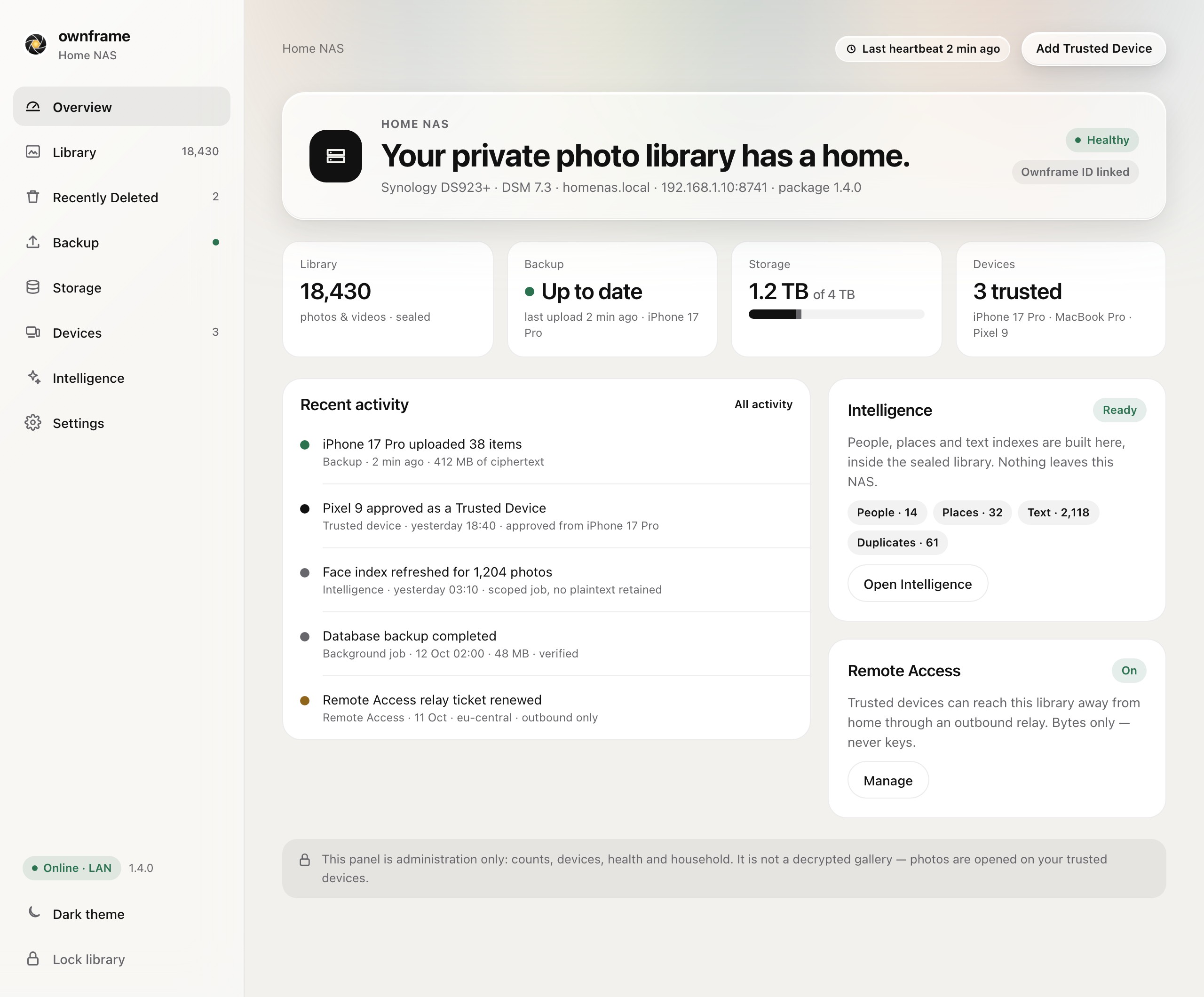
Your private library lives on hardware you own. Native packages for Synology and QNAP, Docker for everything else. The NAS stores ciphertext and never receives a usable key.
Install
A native package for DSM 7, for supported DiskStation models.
A native QPKG for QTS and QuTS. The same server and the same Home NAS API as on Synology.
Run Ownframe in Docker on compatible hardware: TrueNAS SCALE, UGREEN UGOS and other Linux hosts.
Planned platforms
Packaging exists in development. There is no public download or install guide yet, so use Docker in the meantime.
Setup
QNAP and Docker follow the same shape: a data directory, the package or image, HTTPS, then pairing.
How it is built
Every package exposes the same Home NAS API. The file extension is packaging, not a different product.
Library ciphertext lives in a folder you can copy. Moving from a Synology volume to a Docker bind-mount does not re-key the library. You are not welded to one vendor's hardware.
Install the package or container, put a TLS reverse proxy in front, watch health, issue invites, revoke devices. They cannot open a decrypted gallery or browse thumbnails.
Put HTTPS in front of the server. Do not ask the iOS or Android client to disable TLS so a lab HTTP port just works.
Compatibility and support
Synology compatibility is checked against a published model allowlist, not live hardware detection. For install help, use the setup documentation and Support. We cannot decrypt your library or bypass NAS vendor requirements.
Start with the Home NAS you own, then add the devices you trust.