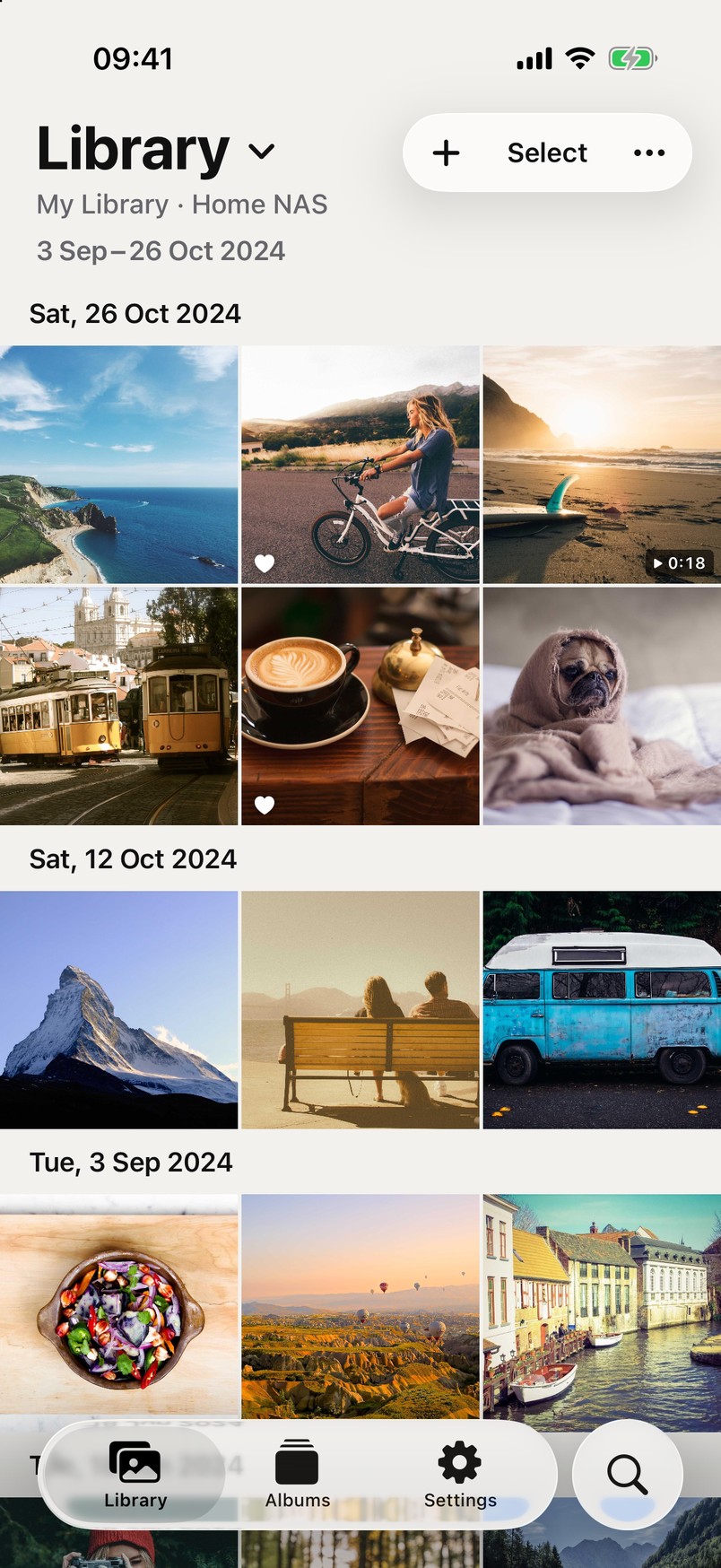
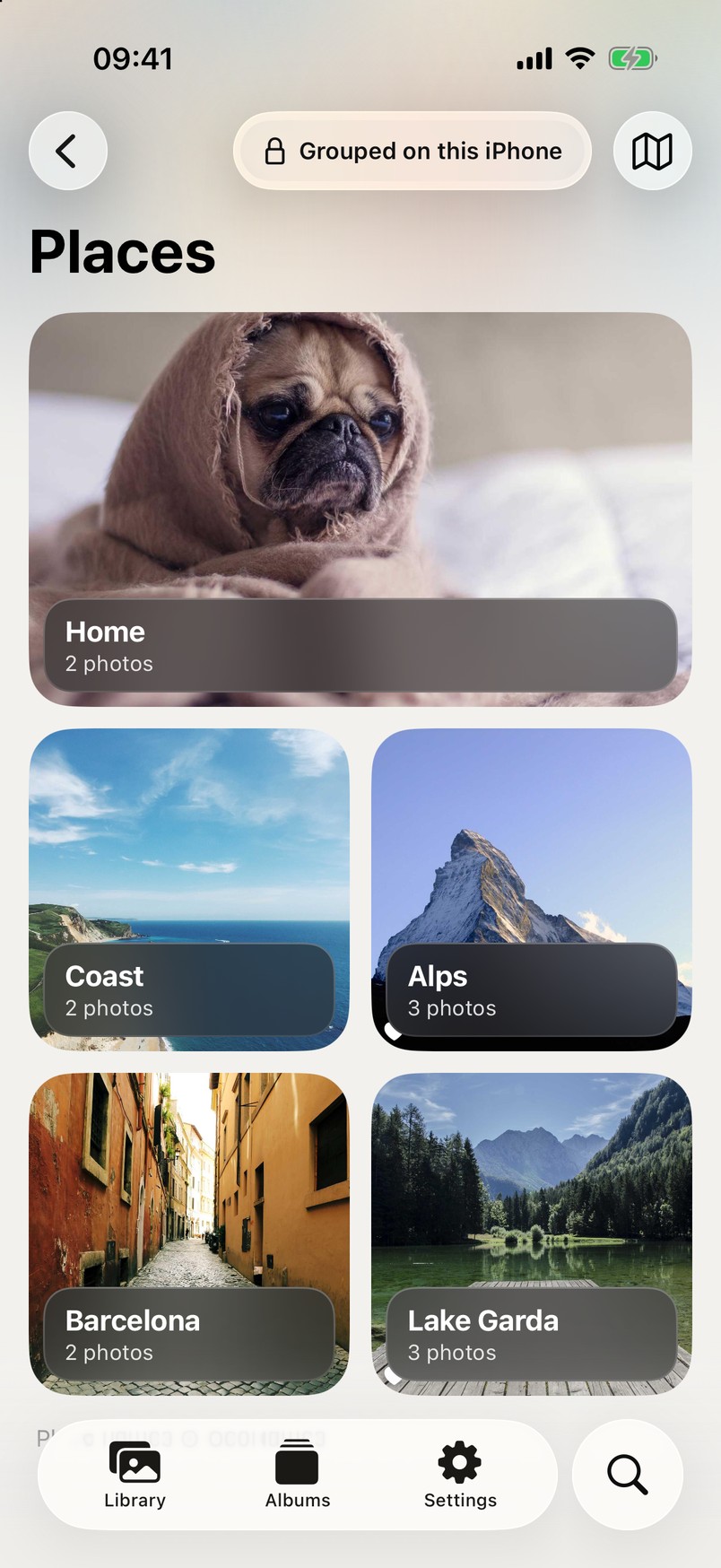
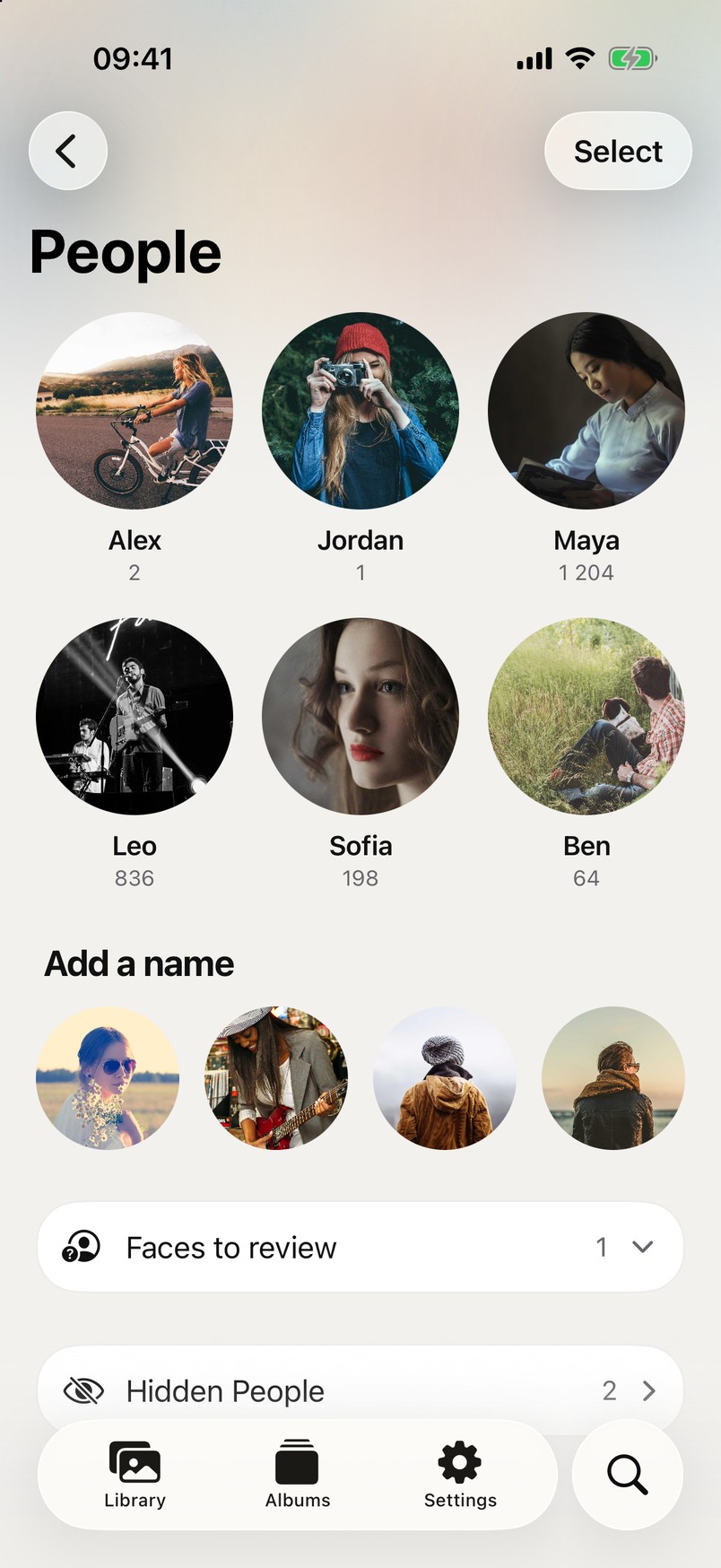
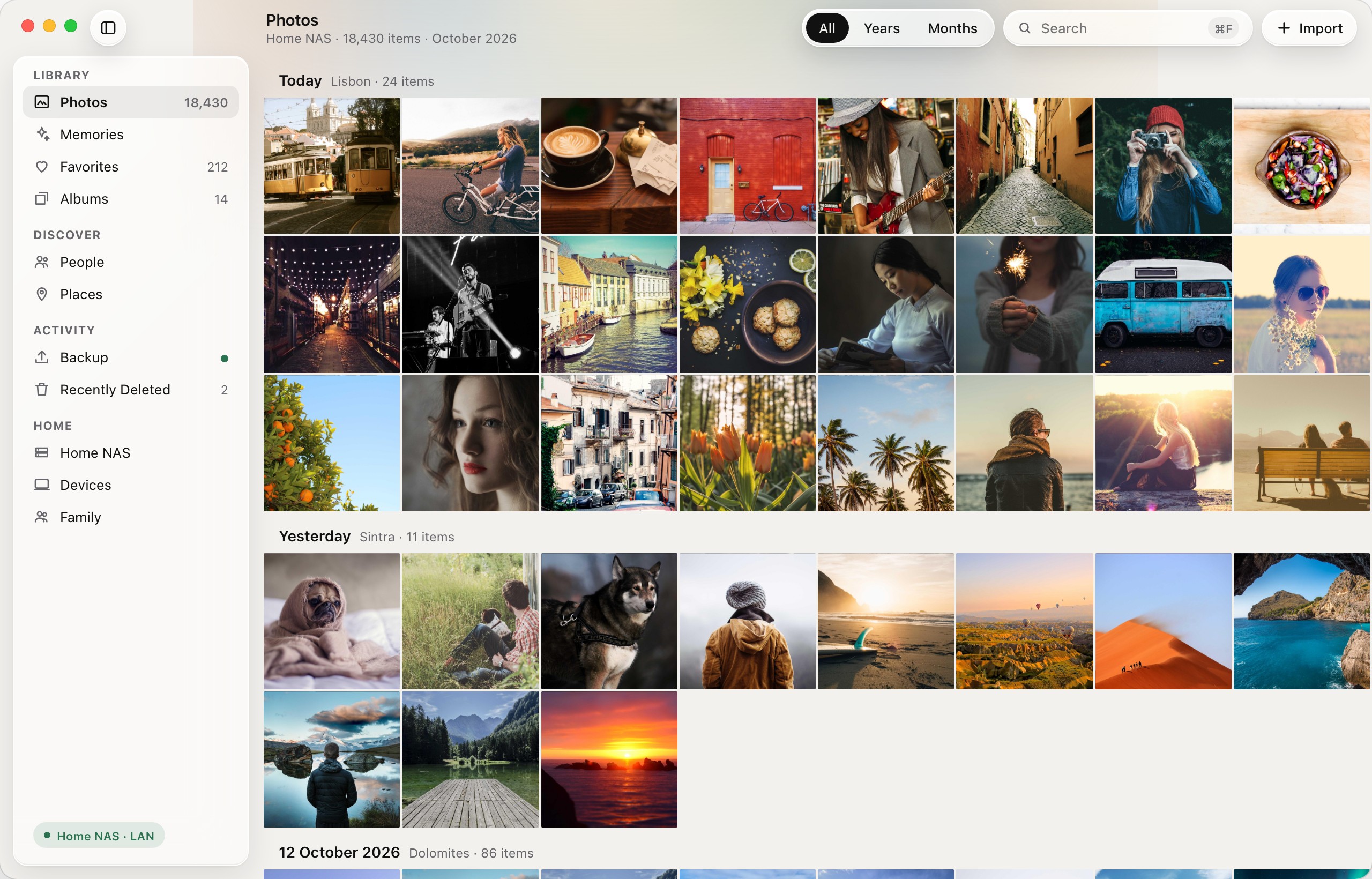
Your whole photo life in one place that you own. The phone takes the picture, the computer shows it at full size, and the NAS at home or Ownframe Cloud keeps the copy.
Home networkSecure relay away from homePhotos importPeople and PlacesRecovery KitFamilyMemoriesHome networkSecure relay away from homePhotos importPeople and PlacesRecovery KitFamilyMemoriesHome networkSecure relay away from homePhotos importPeople and PlacesRecovery KitFamilyMemoriesHome networkSecure relay away from homePhotos importPeople and PlacesRecovery KitFamilyMemoriesHome networkSecure relay away from homePhotos importPeople and PlacesRecovery KitFamilyMemoriesHome networkSecure relay away from homePhotos importPeople and PlacesRecovery KitFamilyMemories
Encrypted before it leaves.
Every photo is sealed on your phone with a key only your devices hold. The server stores it, backs it up and streams it back, but it cannot open it. Faces, places and search are built on your devices, not on someone else's machine. If you ever lose every device, the Recovery Kit you saved brings the library back.
Master keys held by Ownframe
0
Your devices hold the key. The server keeps what it cannot open.
On your phoneThe photoOn the wayCiphertextNAS or CloudStill ciphertext
AES‑GCMSealed on the device before upload. The trusted client does the work.
30 daysRecently Deleted on your NAS or Cloud copy, so a slip is not a loss.
3 placesHome NAS, Ownframe Cloud, or both as a full mirror. You choose on day one and can change later.
Open it the way you open a photo app.
No ciphertext in sight. Scroll years, tap a face, search “beach 2024”. The locks are there, but you never have to look at them.
Take a closer look
Library
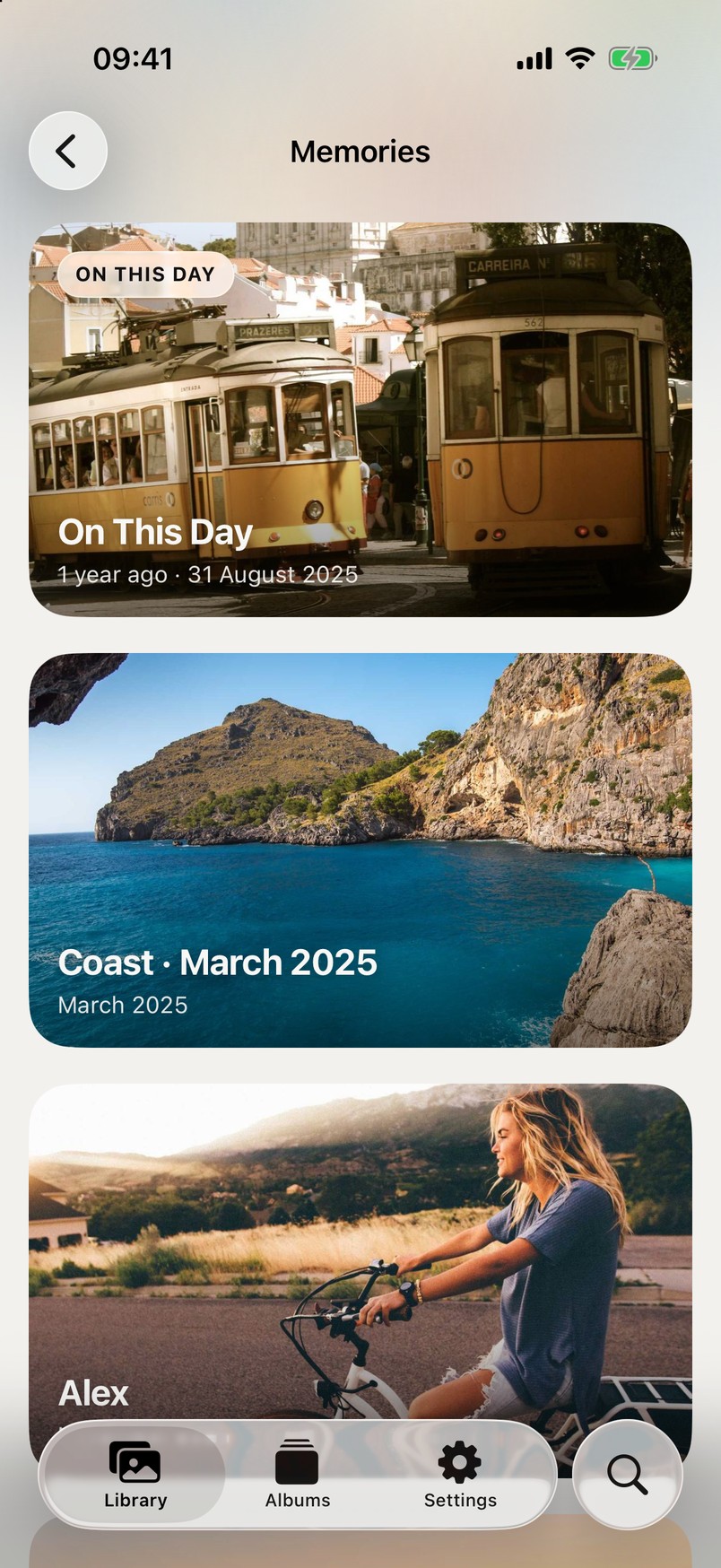
Memories
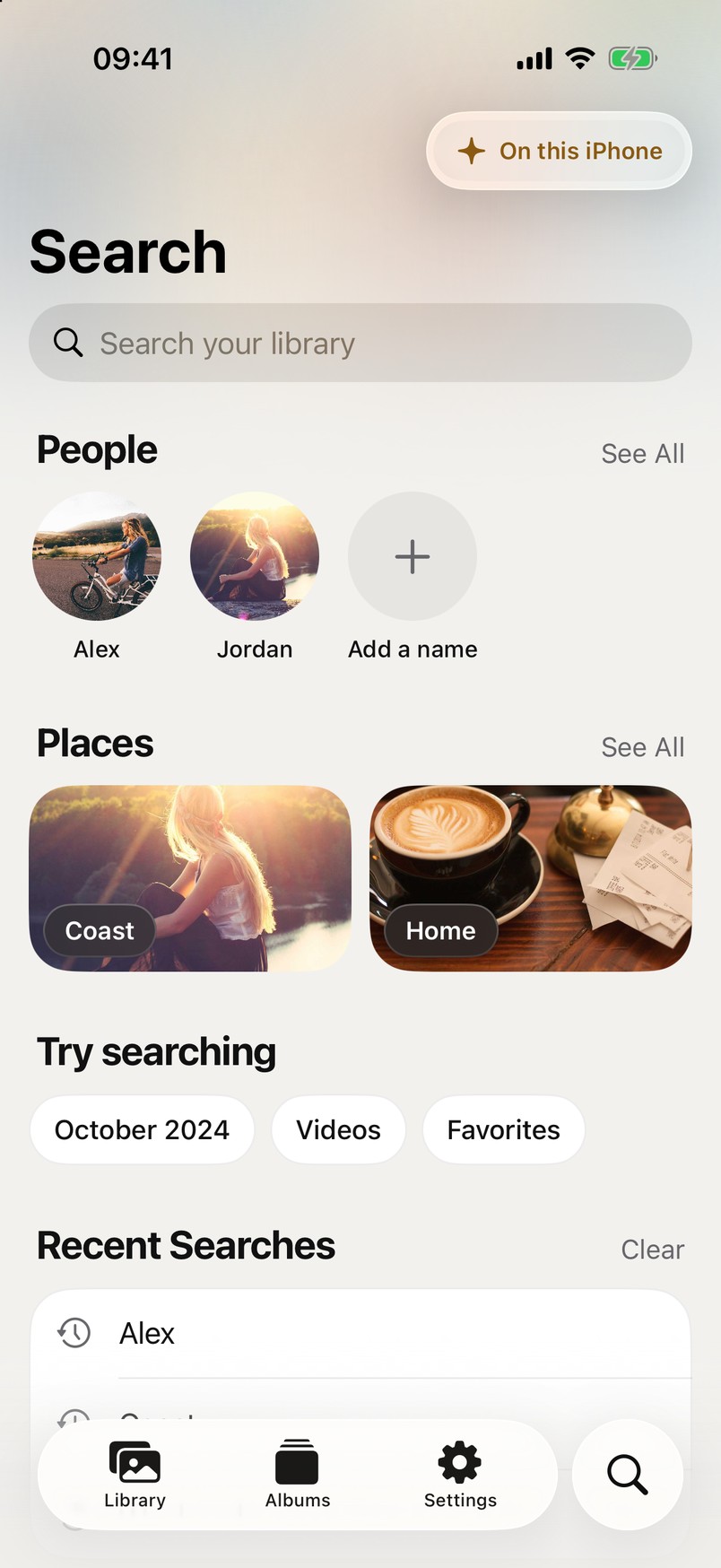
People
Places
Search
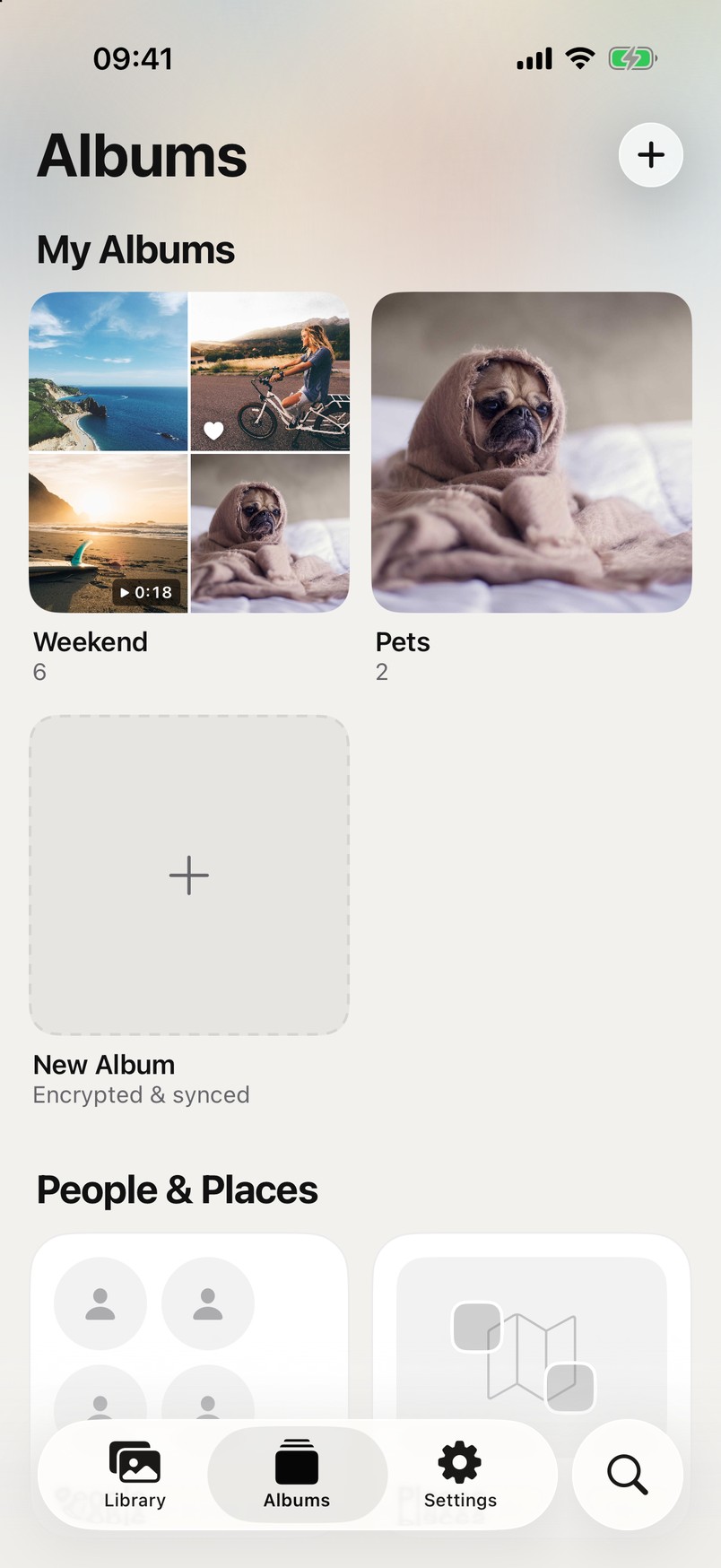
Albums
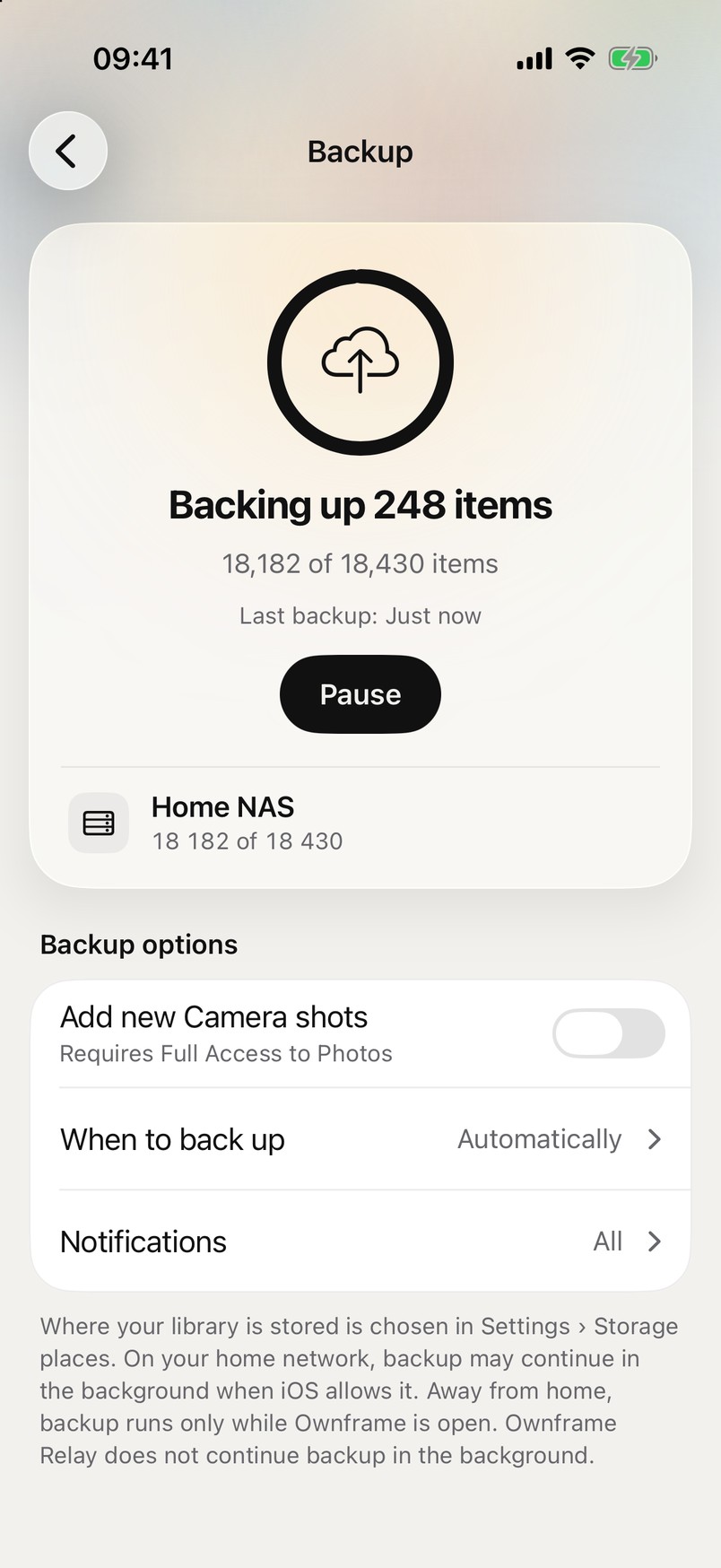
Backup
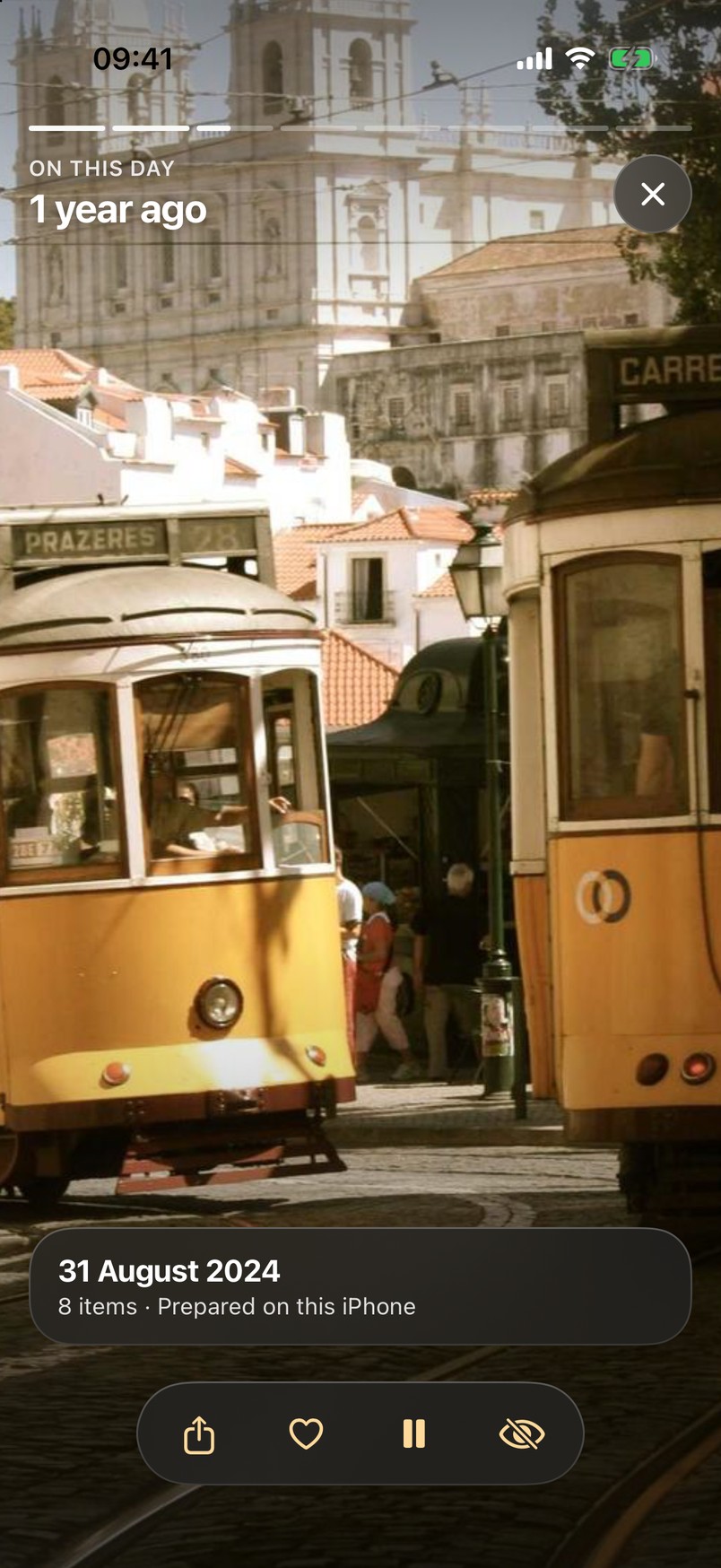
On This Day
Library
Memories
People
Places
Search
Albums
Backup
On This Day
Your library, wherever you are.
Mobile app
iPhone and Android. Shoot, back up, browse.
Desktop
Mac and Windows, at full size. Import in one step.
Home NAS
Synology, QNAP or Docker. Your hardware, our package.
Sealed · 18,430 items
Keep it where you want.
Ownframe asks one question on the first run: where do you want to keep your photos? Any answer is fine, and you can add the other later.
Home NAS
Ciphertext lives on hardware in your home. Works on the local network and through a secure relay when you are away. No account required.
Included in Core
Ownframe Cloud
No hardware to buy. The same sealed library, stored by us, still unreadable by us. 10 GB free.
Free during early access
Both
A full mirror. The NAS and the Cloud each hold a complete copy, so a dead disk or a lost login never costs you a photo.
NAS plus Cloud
One household. Separate keys.
Family shares the NAS and the Cloud quota, not the keys. Each person keeps a private library with a master key of their own. Shared libraries are shared by reference, and leaving takes nothing with it.
A photo library you own. The apps on your phone and computer encrypt every photo before it leaves the device, and the copy lives on a NAS in your home, in Ownframe Cloud, or both.
Do I need a NAS?
No. Ownframe Cloud works without any hardware. If you already have a Synology, QNAP or a Docker host, you can use it instead, or run both as a mirror.
Can Ownframe see my photos?
No. Photos are sealed on your device and only your devices hold the key. Face, place and text indexes are built on your devices too. NAS processing is a separate opt‑in task that sees only the photos you hand it for that task.
What if I lose my phone?
Any other trusted device still opens the library. If you lose all of them, the Recovery Kit you saved during setup restores access.
How does Family work?
Up to six people share one plan and one Cloud quota. Everyone keeps a private library and a private key. A photo enters the shared library only when a member publishes it.
What does it cost?
Core is free. Personal is €2.99 a month or €29.99 a year. Family is €5.99 a month or €59.99 a year. Ownframe Cloud is a separate add‑on; its price will be announced.
Which platforms are supported?
iPhone, Android, Mac and Windows. The NAS package runs on Synology, QNAP and anywhere Docker runs.
 ownframe